
Have you ever noticed when you install Latest update in your smartphone it gets slow , and i also experienced in my old mobile that when i update my mobile software , after that phone get slowed but, in recent time smartphone hardware and software are capable for many updates. Software updates are meant to improve your phone. They bring new features, security patches, and bug fixes. But many people notice the opposite effect — their phone becomes slower after installing an update.
If your Android phone feels laggy, apps take longer to open, or the device heats up after updating, don’t worry. This is a very common issue and it usually has simple solutions.
In this guide, you’ll learn why phones slow down after updates and seven proven ways to make your Android device fast again.
Read also 8 proven ways to save your mobile battery life
Why Phones Often Slow Down After an Update
i Think man of us faced this problem but, Before fixing the problem, it helps to understand why it happens. Software updates change many system processes, and sometimes older devices struggle to adapt.
“Devices where this issue is common” Samsung Galaxy A series
Xiaomi Redmi series and Realme phones
1. New Software Requires More Resources
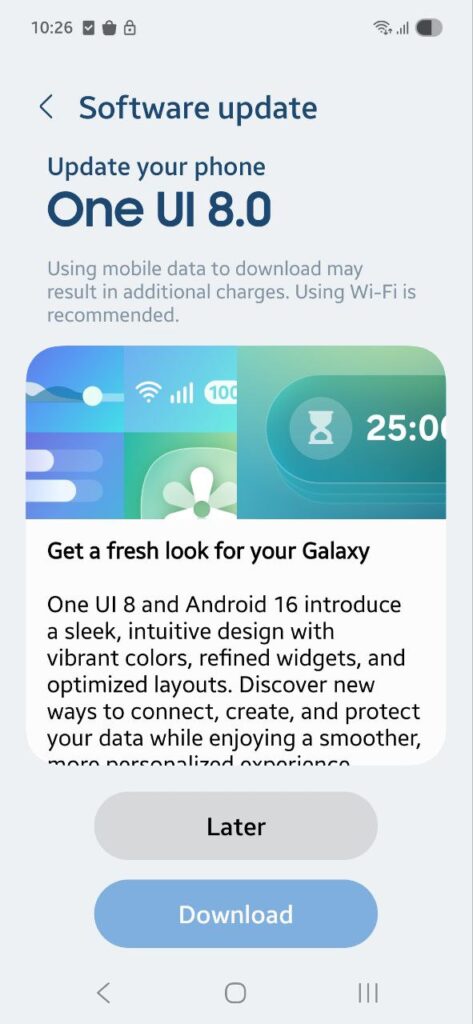
Every new update usually introduces:
New features
Improved animations
Security upgrades
These improvements require more RAM and processing power. If your phone is older or has limited RAM, the new software may feel heavier than the previous version.
2. Old Cache Files Cause Conflicts
Your phone stores temporary files called cache to load apps faster.
After an update, these old cache files may not match the new system. This can lead to:
App lag
Slow loading
Random freezing
Clearing cache often solves this issue instantly.
3. Apps Update in the Background
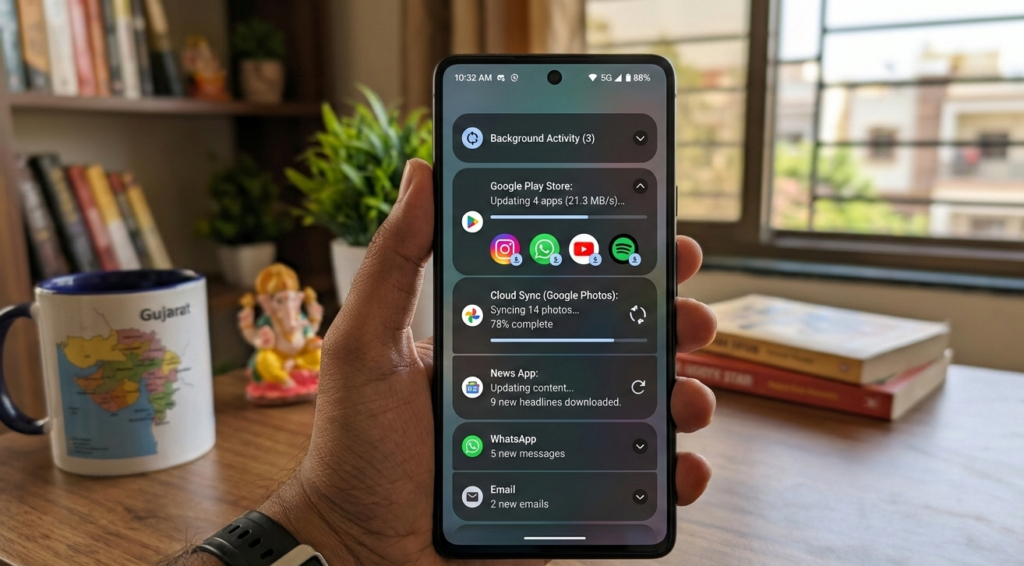
When your system updates, many installed apps update too. These apps may run background processes such as:
Syncing data
Updating content
Refreshing notifications
Too many background tasks can consume RAM and slow down your device.
4. Storage Gets Overloaded
Phones need free storage space to run smoothly. If your storage is almost full after an update, the system may struggle to operate efficiently.
Experts recommend keeping at least 20–30% storage free.
5. Battery Optimization Resets
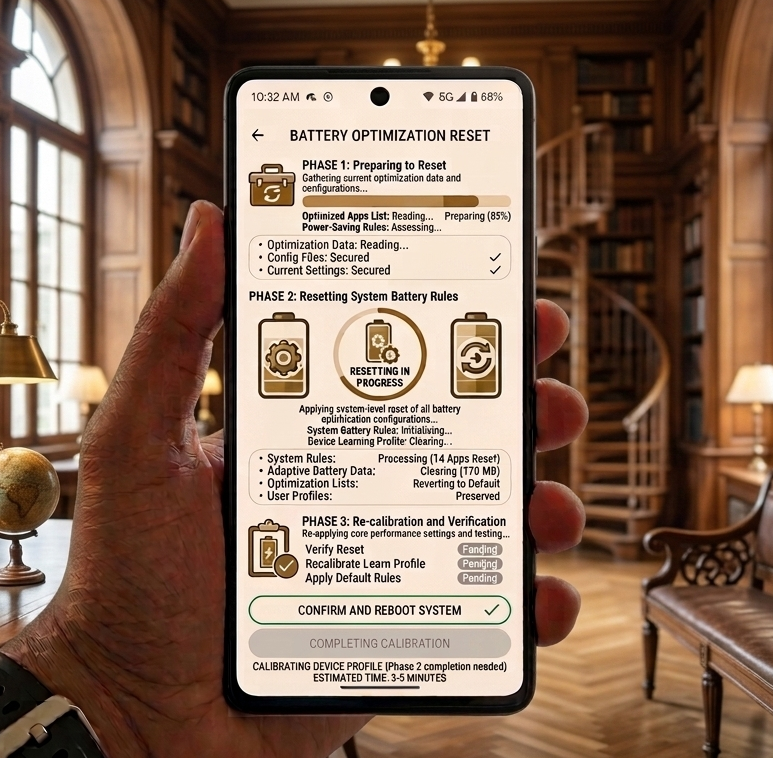
Some updates reset battery and performance settings. This can lead to:
Higher CPU usage
More background activity
Increased heat
Overheating can also make the phone throttle performance, making it feel slower.
Read also Smartphone Battery and Chargers Guide 2026
7 Proven Fixes to Make Your Phone Fast Again
The good news is that most slow-phone problems after an update can be fixed easily. Try these solutions one by one.
1. Clear System Cache
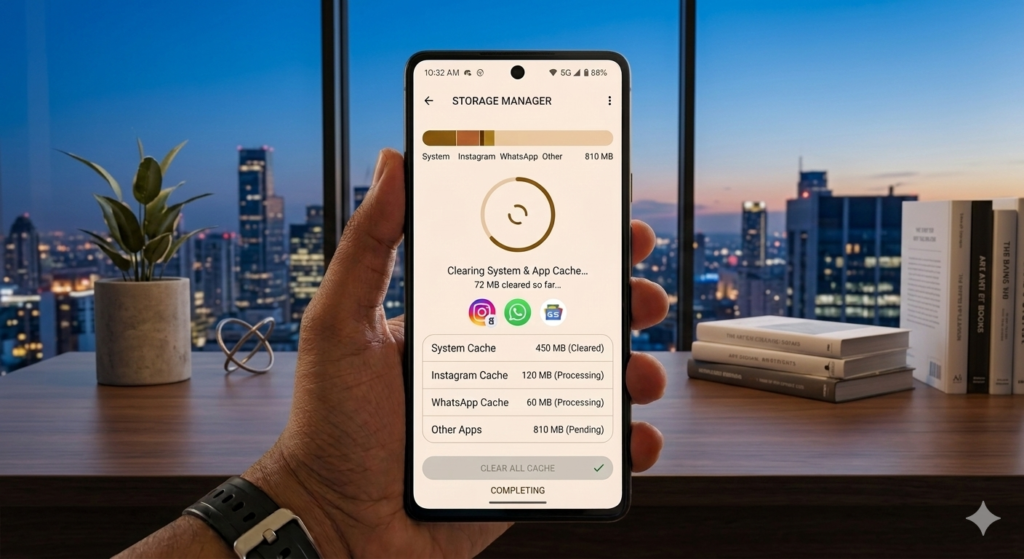
Clearing cache is the fastest way to fix performance issues.
Steps:
Open Settings
Tap Storage
Select Cached Data
Tap Clear Cache
This removes outdated temporary files that may be slowing down your phone.
Many users notice a performance boost immediately after clearing cache.
2. Restart Your Phone
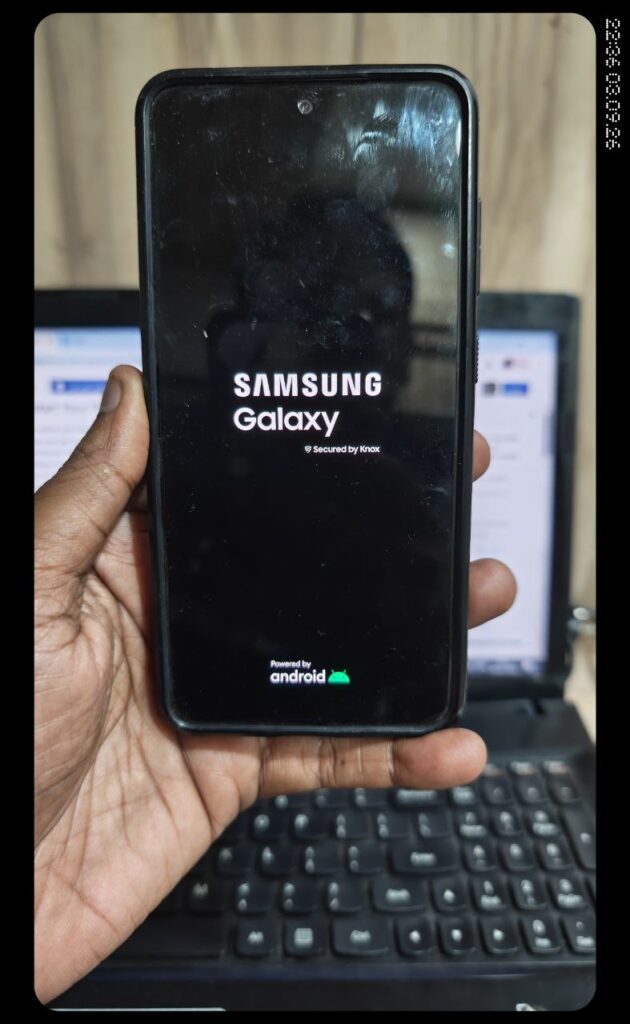
A simple restart can solve many problems.
Restarting your phone:
Clears temporary RAM usage
Stops background processes
Refreshes system services
After installing an update, it’s a good idea to restart your phone at least once.
3. Disable or Remove Unused Apps
Many apps run in the background even when you are not using them. These apps consume memory and battery.
To fix this:
Open Settings → Apps
Find apps you rarely use
Disable or uninstall them
This frees up RAM and reduces system load.
4. Reduce System Animations
Animations make the interface look smooth, but they also require processing power.
You can speed up your phone by reducing animations.
Steps:
Enable Developer Options (tap Build Number 7 times)
Open Developer Options
Set animation scale to 0.5x or off
This simple trick can make your phone feel significantly faster.
5. Free Up Storage Space
if you have multiple and high memory files then Low storage is one of the most common reasons for slow phones.
Check your storage usage and remove unnecessary files such as:
Large videos
Duplicate photos
Unused apps
Old downloads
You can also move photos to cloud storage like to free up space.
Keeping storage clean improves overall system performance.
6. Update Your Apps
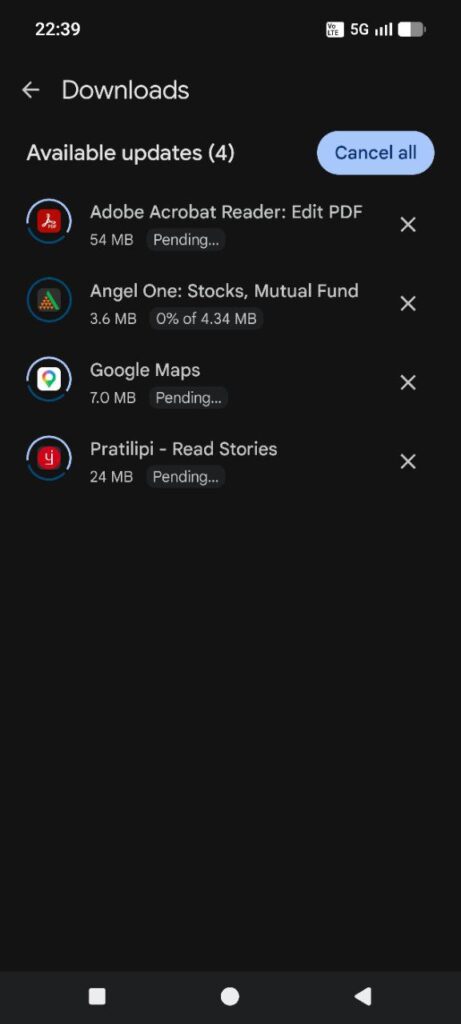
Sometimes apps become slow because they are not optimized for the new system update. Open and update all installed apps. so please update apps.
Updated apps often include:
Bug fixes
Performance improvements
Compatibility updates
This helps your phone run more smoothly.
7. Factory Reset (Last Option)
whenever i frustrate after slow phone then i have only one option is Factory Reset ,If your phone is still slow after trying everything, a factory reset can help.
A factory reset removes:
System bugs
Unnecessary files
Old configurations
However, it will delete your data, so always backup your files before resetting.
Steps:
Backup important data
Go to Settings → System → Reset
Choose Factory Reset
After resetting, your phone usually runs much faster.
Tips to Keep Your Phone Fast in the Future
Once your phone is running smoothly again, follow these habits to keep it that way.
Restart your phone once a week
Remove unused apps regularly
Avoid filling storage completely
Keep apps updated
Clear cache occasionally
These small maintenance steps can greatly improve your device’s performance.
Frequently Asked Questions
1- Why is my Android phone slow after an update?
After an update, the system may require more resources. Old cache files, background apps, and storage issues can also slow down the device.
2- Do updates slow down older phones?
Sometimes yes. Older phones may have less RAM or weaker processors, which makes it harder to handle newer software features.
3- Can I make my phone fast again?
Yes. Clearing cache, freeing storage, reducing animations, and managing apps usually restore performance.
Final Thoughts
A slow phone after a software update can be frustrating, but it’s rarely permanent. In most cases, the issue is caused by temporary system conflicts, background apps, or storage limitations.
By following the seven fixes explained in this guide, you can significantly improve your phone’s performance and enjoy a smoother Android experience again.
Regular maintenance and smart storage management will also help keep your device fast in the long run. If your phone still struggles after trying everything, it might be time
for more this type of information and blog kindly follow me on my twitter and subscribe my youtube channel @thetechdrivehub